Capture once. Export everywhere.
A native macOS menubar app for screenshot and screen recording — built for developers who ship to every store.
Das Problem
Every app store has different screenshot requirements. iOS needs 6.7", 6.5", and 5.5" variants. Google Play wants phone and tablet. Mac App Store has its own set. You end up with 15 export sizes per screen — and a Photoshop file you dread opening.
Klingt bekannt?
You took one screenshot. Now you're resizing, cropping, adding backgrounds, renaming files manually, and praying the aspect ratio didn't shift. An hour later, you've exported four sizes and still need eleven more.
Ein anderer Ansatz
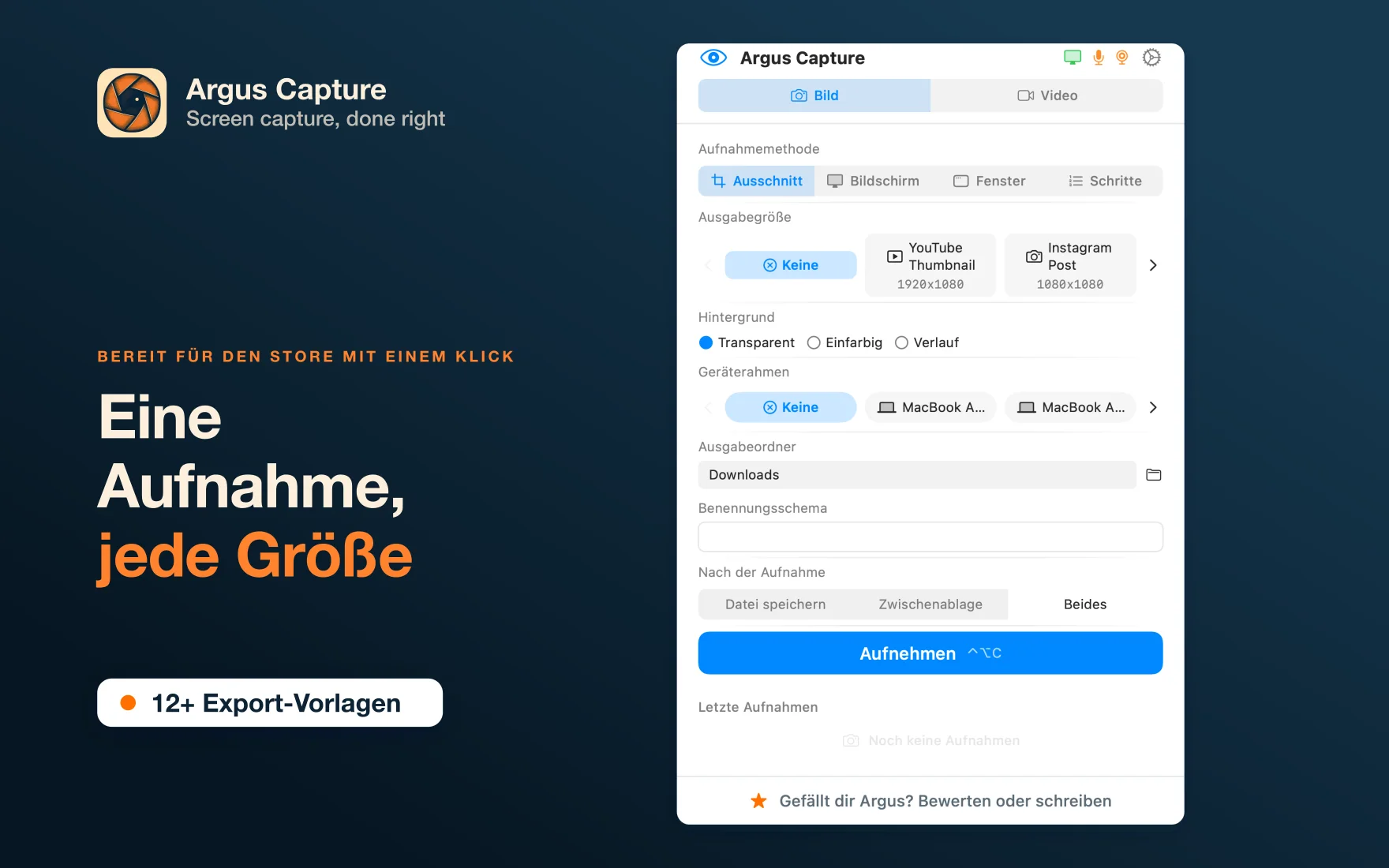
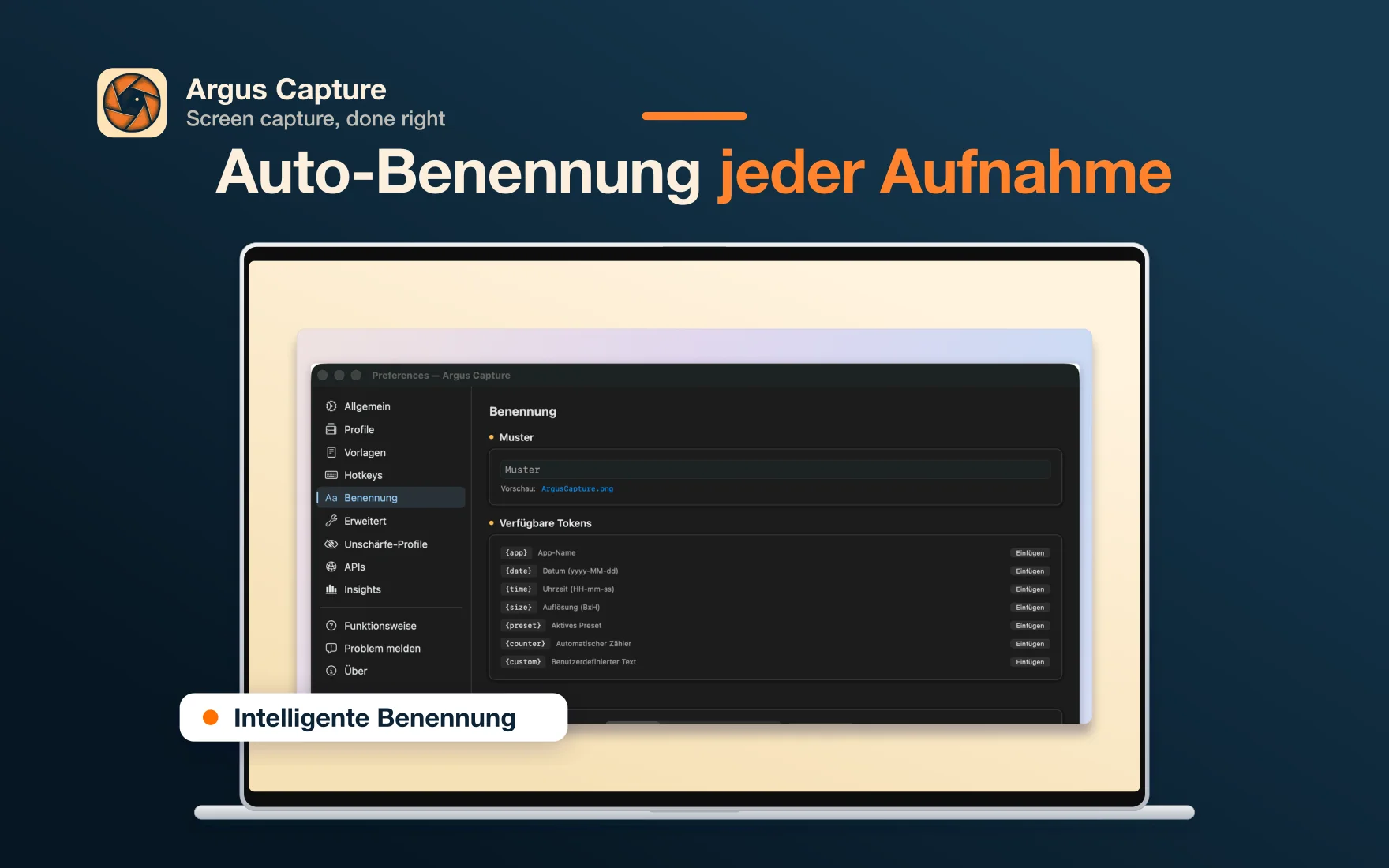
Argus Capture takes one screenshot and exports it to every store format you need — with backgrounds, naming, and resolution handled automatically. One hotkey. All stores. Done.
Everything from your menubar.
Four Capture Modes
Draw it, frame it, or walk through it
Snip, Screen, Window, and Steps — each purpose-built for a specific workflow.
Store Presets
iOS, iPad, Google Play, Mac
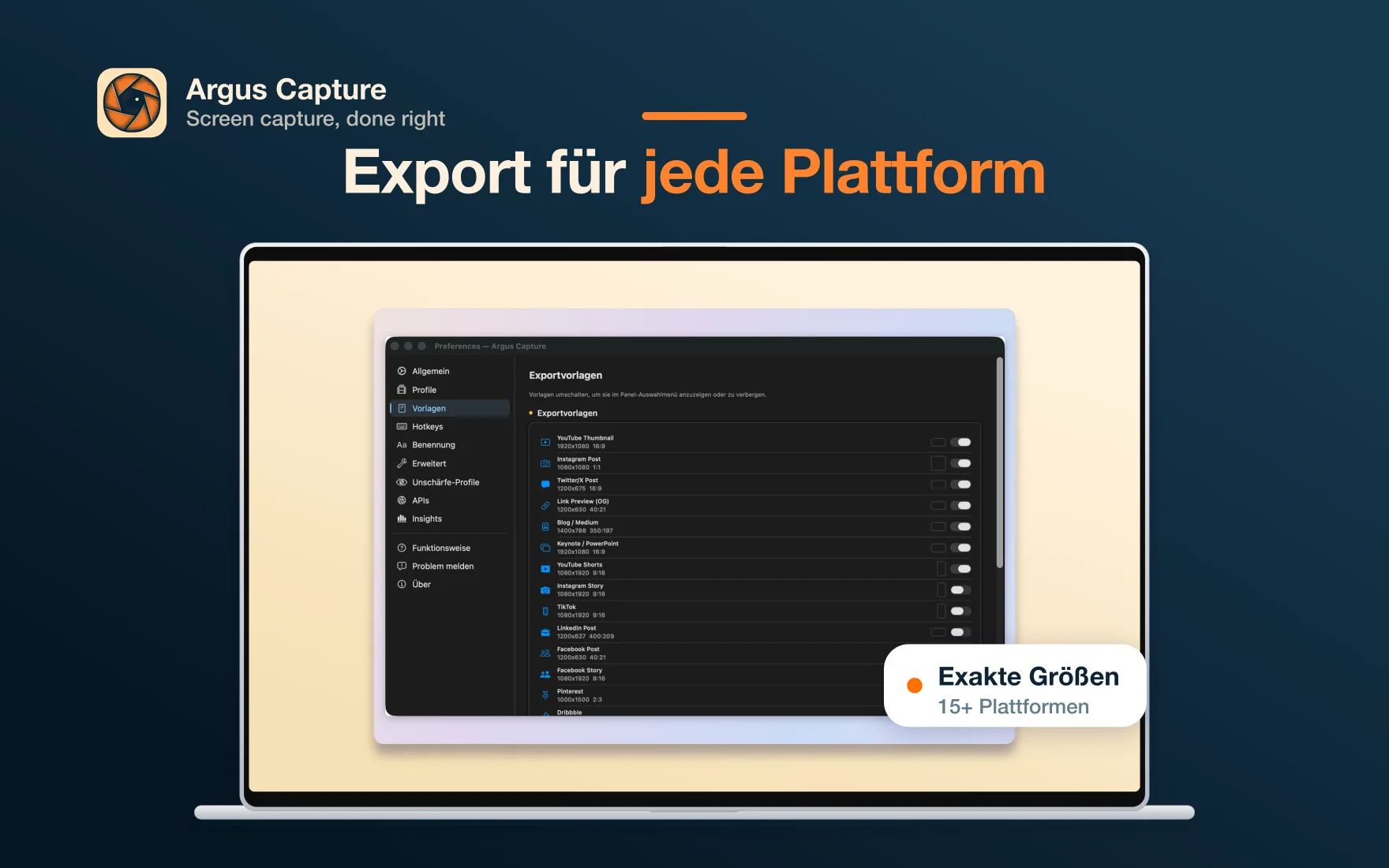
App Store and Google Play resolutions built in, plus custom dimensions for anything else. One capture, all sizes exported.
Video Recording
H.264, HEVC, ProRes, WebM
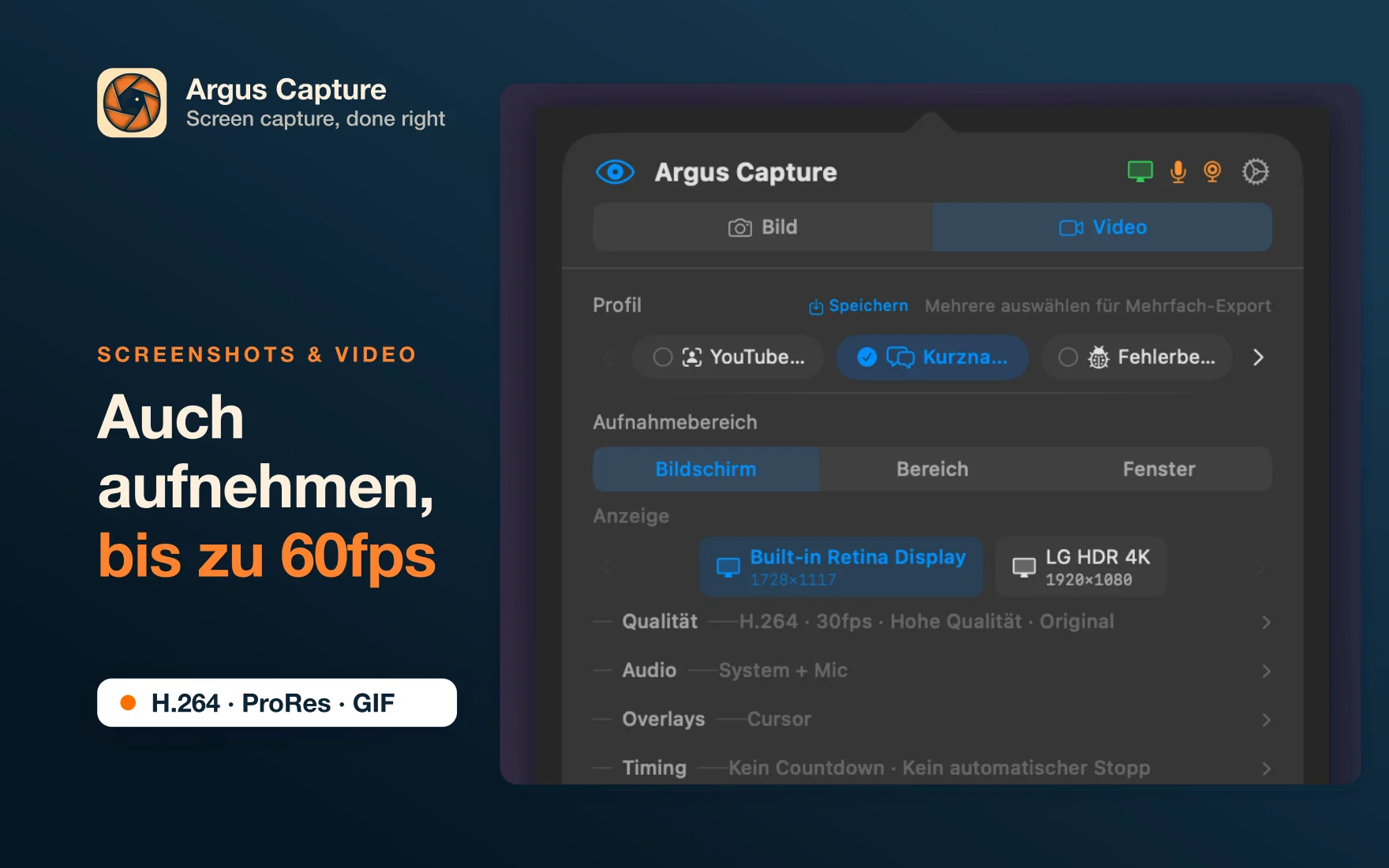
12 recording profiles — from Lossless ProRes to lightweight Bug Reports. Record once, export to multiple formats.
How it works
Step 1
Press one hotkey
Configurable global shortcut triggers your preferred capture mode instantly. Compatible with Logitech Options+.
Step 2
Capture what you need
Draw a region, select a window, or let Argus auto-scroll. Real-time dimensions overlay guides precision.
Step 3
Export to every store
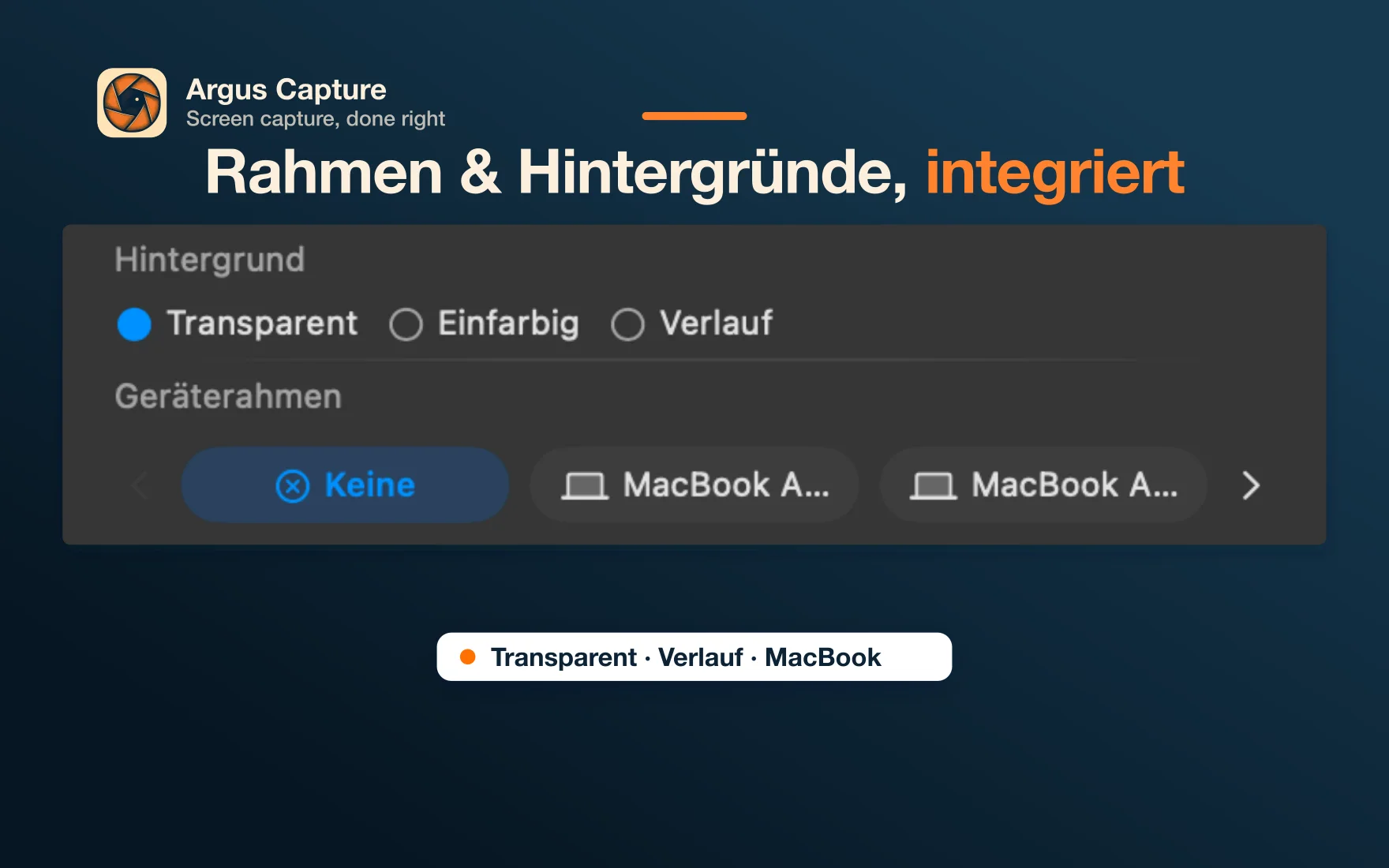
Store presets auto-resize to every required resolution. Backgrounds, naming, and formats — all handled.
See it in action
Frequently Asked Questions
Stop resizing screenshots manually
One hotkey. Four capture modes. Every store format. Ten device frames. Native macOS — no subscription, no cloud.